
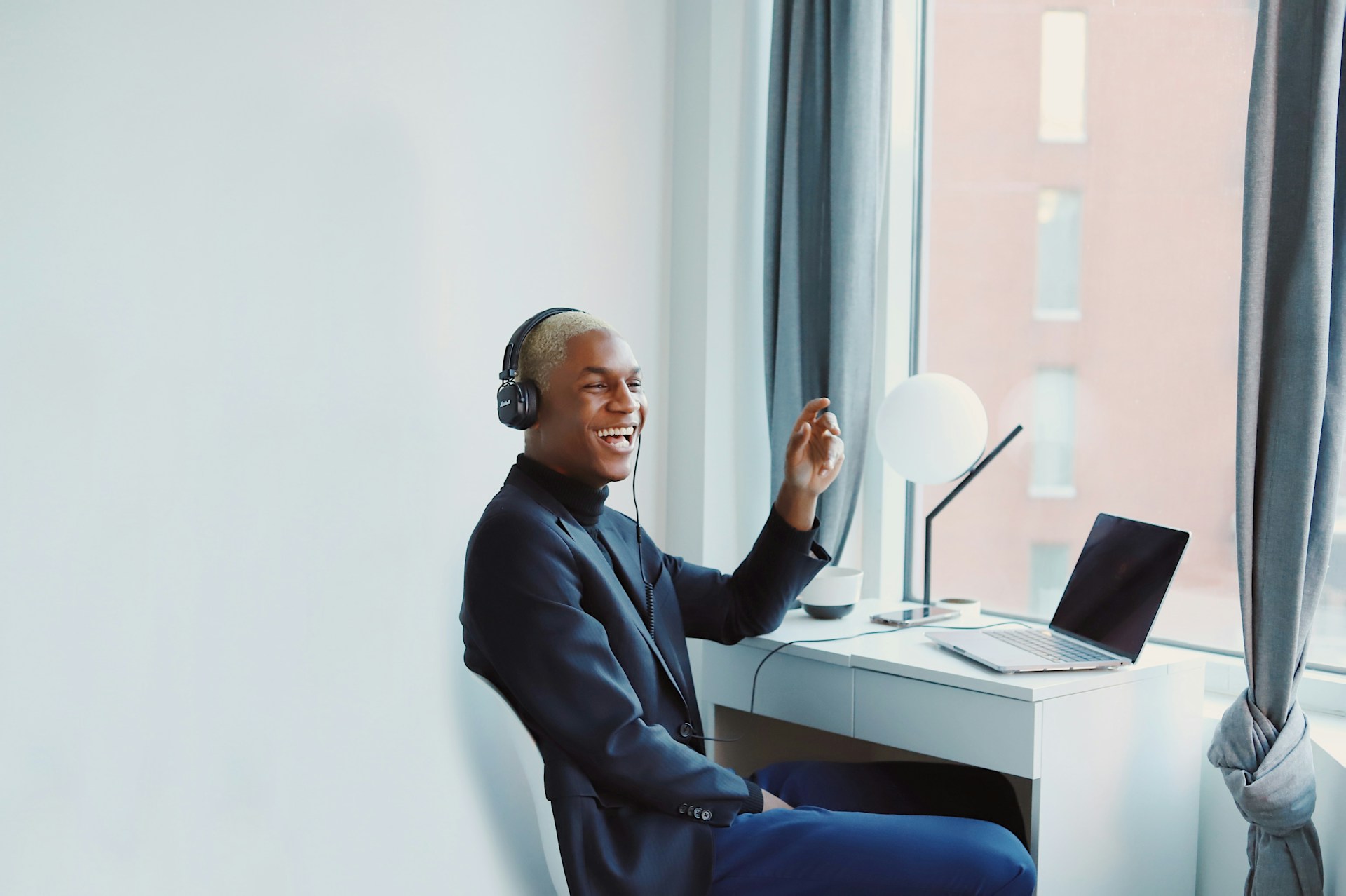
A home office can quietly encourage audio habits that leave your ears feeling tired by the end of the day. Back-to-back video calls, background noise, and hours spent wearing headphones may lead you to raise the volume or ignore early discomfort.
While a laptop and headset may seem harmless, how you arrange and use them matters. A few practical adjustments can make work more comfortable and help protect your hearing over time.
Ergonomics Beyond Just Desks and Chairs
Home office ergonomics also includes the position of your speakers, microphone, and computer. The Mayo Clinic’s office ergonomics guide recommends keeping your monitor directly in front of you, with the top of the screen at or slightly below eye level. This position reduces the tendency to lean toward the laptop during calls.
An external microphone can also help. Place it close enough to pick up your voice clearly so you don’t need to monitor yourself at a high volume. Soft furnishings, curtains, and rugs may reduce echo in a bare room, while a closed door can limit household noise. A quieter workspace lets you hear conversations clearly at lower settings. These changes fit naturally into a broader home office ergonomics plan that supports comfortable daily work.
The Perils of All-Day Headphone Use
Headphones can create a private workspace, but wearing them all day may cause pressure, warmth, listening fatigue, and even health issues. High volume is a bigger concern, especially when you turn it up to compete with traffic, appliances, or nearby conversations.
Give your ears regular quiet periods between meetings. If ringing, buzzing, or another persistent sound continues after you take your headphones off, seek a professional evaluation. An audiologist can check your hearing, discuss sound therapy and explain options for tinnitus relief based on your symptoms.
Fit matters too. Headphones that clamp tightly may cause ear soreness, while poorly fitting earbuds can tempt you to turn up the volume. Choose a comfortable design and avoid sleeping, exercising, or doing household tasks with work audio still playing.
Recognize Early Warning Signs of Strain
Hearing strain may first appear as muffled sound, ringing, sensitivity to everyday noises, or the sense that your ears need time to recover after a meeting. You might also notice that normal conversation seems unusually quiet once you remove your headphones. Headaches and trouble concentrating can accompany listening fatigue, though these symptoms can have many causes.
Pay attention to patterns. Write down when the discomfort begins, how long it lasts, and what audio device you were using. Check whether the problem follows long calls, loud notifications, or work in a noisy room. Persistent ringing, sudden changes in hearing, dizziness, pain, or symptoms affecting one ear deserve prompt medical attention. A hearing professional can identify possible causes instead of leaving you to experiment with volume settings on your own.
Smarter Audio Habits for Daily Work
Set your volume at a comfortable level before a call begins, then resist raising it every time someone speaks softly. Ask the other person to adjust their microphone or use captions when the meeting platform provides them. Muting unnecessary notification sounds also reduces sharp audio interruptions during the day.
Schedule five minutes of quiet after a long meeting and take your headphones off during lunch. For calls that don’t require privacy, use low-volume speakers in a quiet room. Clean earbuds and headset cushions according to the manufacturer’s directions, since trapped moisture and debris can irritate the outer ear.
Your calendar can help as much as your audio controls. Leave short gaps between calls when possible and group tasks that don’t require sound. At the end of the workday, your ears should feel normal, not as though they need to recover from your office.
A comfortable home office should support focused work without leaving behind ringing, pressure, or muffled hearing. If those symptoms keep returning despite lower volume and regular breaks, arrange a hearing evaluation instead of treating them as a routine part of remote work.









Comments are closed.