
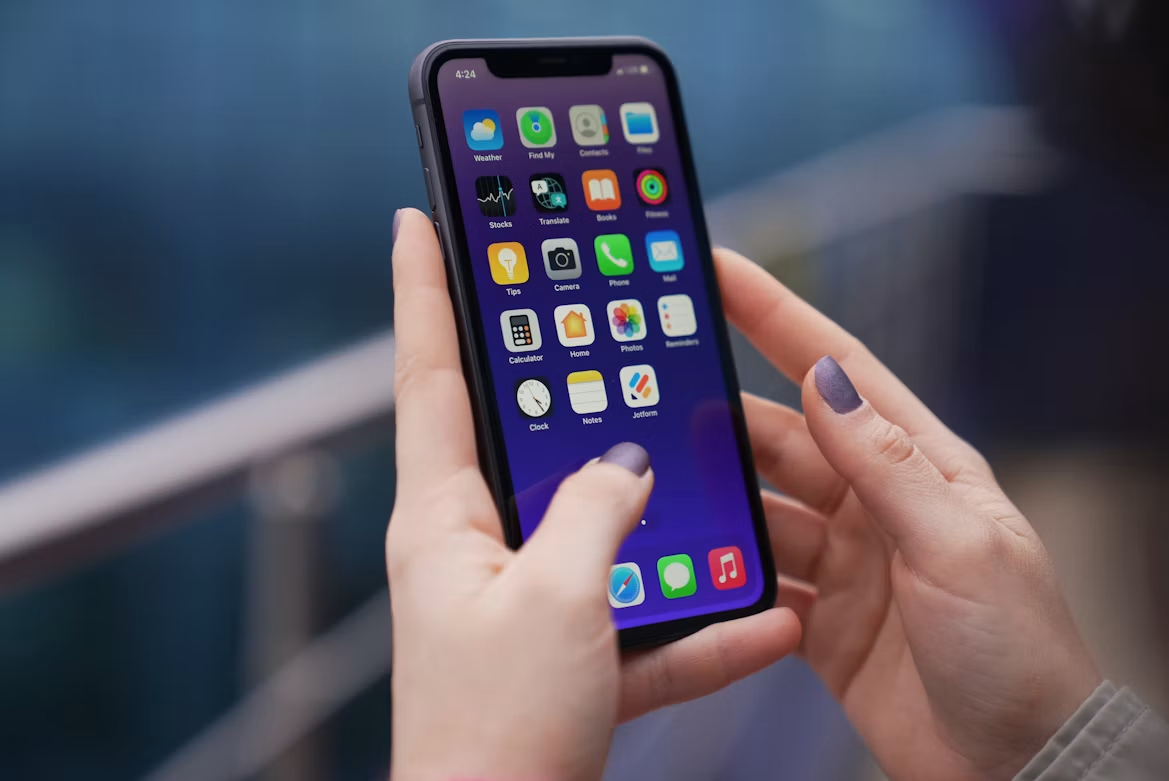
Your iPhone can support healthier daily habits through tools already built into the device and carefully chosen apps. It can record activity, encourage consistent sleep routines, support meditation, and keep health details close at hand. Accessibility features also make communication and audio easier to manage.
The key is choosing a few useful functions, setting them up properly and reviewing the information they collect without allowing notifications to become another source of stress.
Tracking Fitness and Sleep
The Health app brings together movement, exercise and sleep data in one place. Set up your Health Profile first, then check that details such as your age, height and activity goals are accurate. If you carry your iPhone during the day, it can estimate your steps, walking distance and stair use without requiring another device.
For sleep tracking, create a schedule that reflects your normal routine and set a Wind Down period before bedtime. A realistic target works better than an ambitious one you regularly miss. Review weekly trends instead of worrying about a single restless night.
Useful habits include:
- Checking average daily steps each Sunday
- Adjusting bedtime reminders when your routine changes
- Turning on headphone audio level tracking
- Sharing relevant trends with a healthcare professional when needed
Mindfulness and Meditation Apps
Guided sessions can make meditation feel more manageable, particularly when you’re new to it. The Headspace meditation app includes breathing exercises, sleep content, and guided practices of different lengths. A three- or five-minute session can fit into a lunch break, morning routine, or quiet moment before bed.
Keep the setup simple. Pick one regular time, enable a discreet reminder, and use the same session length for a week. This gives the habit a chance to settle before you try longer exercises. Focus modes can also silence calls and app alerts during a session. If guided audio feels distracting, the iPhone timer and a quiet room may be all you need for a short breathing practice.
Connected Auditory Health Solutions
People with hearing loss can connect compatible devices to an iPhone for calls, music and other audio. When comparing made for iPhone hearing aids, consider app-based controls, direct streaming, personalised listening settings and support for tinnitus management. Some options can also save settings linked to familiar locations.
Ask a hearing professional to help with the initial fitting and learn where volume, programme and microphone controls appear on your phone. Test the setup in several real situations, such as a quiet conversation, a busy café and a video call. Keep iOS and the companion app updated, but avoid changing several settings at once. One adjustment at a time makes it easier to judge what improves clarity.
Organising Medical Information
The Health app can store key details such as allergies, medications, health conditions and emergency contacts. Complete your Medical ID and choose which information can appear when the phone is locked. This can help emergency responders access relevant details without opening the rest of your device.
Medication reminders are useful for doses taken at fixed times. Record the medicine exactly as directed and treat phone alerts as prompts, not replacements for instructions from your clinician or pharmacist. Some health apps may support wider wellness routines, though privacy policies and data-sharing settings deserve a careful read before installation.
Review stored information every few months. Remove old medications, update contact numbers, and check which apps have permission to write data to Health.
Digital Tools for Better Hearing
Your iPhone includes several features that can make spoken and recorded content easier to follow. Live Captions may provide on-screen text for supported audio, while Sound Recognition can alert you to selected household sounds, which is important given the cost of lost sleep. Availability varies by model, language, and software version, so check the Accessibility menu for the options on your device.
You can also fine-tune supported headphones through Headphone Accommodations, monitor listening levels, and reduce loud audio above a chosen threshold. Keep the limit at a comfortable level and take breaks during long listening sessions. If speech remains difficult to understand or you notice a sudden change in hearing, arrange a professional assessment instead of relying on louder volume.
A useful final check is simple: play a familiar podcast, make a short call, and confirm that speech sounds clear at a comfortable level.








Comments are closed.